

A full sync in the Pristo GO app sends your finished records to your organization, then downloads your projects, tasks, questionnaires and lists. Photos, videos and audio files go afterwards, in the background, in an upload that starts when you open a project or an open task. The app also sends finished records by itself whenever you open a project or a task while online.
Before you start
Section titled “Before you start”You need an internet connection, on Wi-Fi or mobile data.
-
In the projects list or in a project, open the menu and select Sync.
-
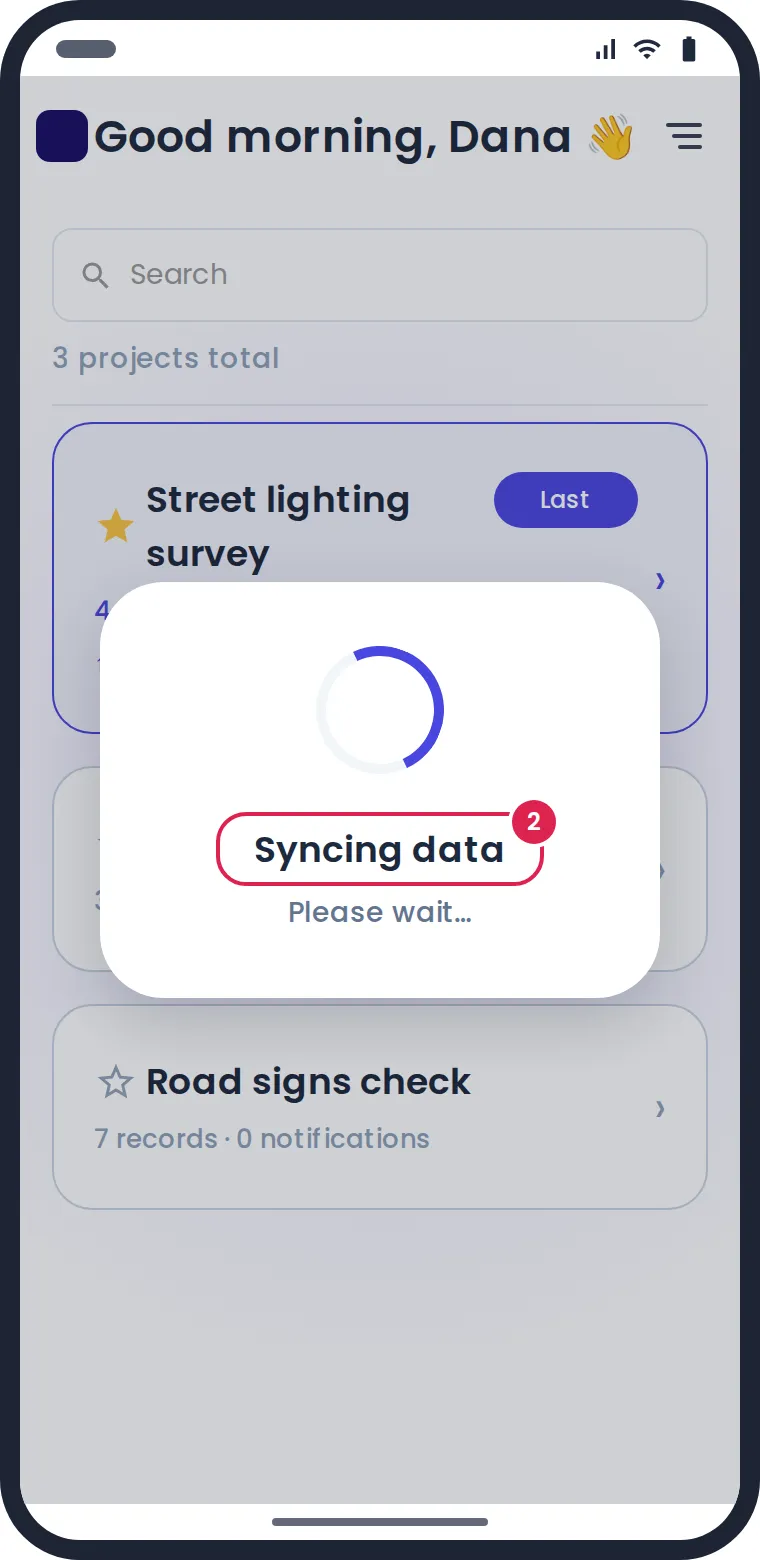
Wait while the app shows Syncing data. Keep the app open.
-
When it shows Sync completed, the dialog closes by itself.
Result
Section titled “Result”Finished records are sent, and the lists on the phone show your latest projects, tasks and records. Their photos, videos and audio files are not sent by the sync itself. The upload starts each time you open or go back to a project or an open task, and continues in the background, one file at a time. After a sync from the projects list, open the project, then go back to the projects list to check: if the ↑↓ line is still there after a while, open the project again. Signing out stops an upload in progress; the files stay on the phone for the next time.
What the app sends by itself
Section titled “What the app sends by itself”- When you open or go back to a project or an open task, the app sends finished records and their files in the background, if you are online. It doesn’t download new work then: for that, run a full sync.
- Files are sent on any connection, not only Wi-Fi. A file that fails is sent again next time.
- Nothing is sent while you are offline, and a sync from the projects list doesn’t start the file upload. The app tries again the next time you open a project or a task.
What a sync changes on the phone
Section titled “What a sync changes on the phone”- Only records with a final status are sent as records. Records you haven’t finished stay on the phone, and your organization doesn’t see them as records yet.
- In a project without tasks, finished records leave the phone once they are sent. In a project with tasks, they stay under their task until the task is done.
- Deleted records are removed from the phone for good at the next full sync.
- A project, task or record that is no longer assigned to you is removed at the next full sync.
See what is waiting
Section titled “See what is waiting”On the projects list, a project card with a line starting with ↑↓ has work waiting to be sent, for example ↑↓ 2 records, 5 images. The first number counts finished records not yet sent. The second counts the files, of every kind, of records that were already sent and whose files are still to upload. So the second number can rise when the first one drops. The line goes away when everything is sent.
Troubleshooting
Section titled “Troubleshooting”The app shows Data sync failed. The phone may be offline or the connection too weak. Connect and select Try again. Until a full sync succeeds, some projects or tasks can be missing from the phone, because the sync clears them before it downloads them again. To see the reason, run the sync from the Support screen and read its log. See Use the Support screen and send log files.
The app shows User is no longer authenticated, please login again. Your session has ended. Closing the dialog signs you out. Sign in again: your records stay on the phone. See Sign out and share a phone.
The sync log says Not enough memory to complete the sync. The phone ran out of memory during a large download. Close other apps and sync again.
The project card still shows ↑↓ after a sync. Files are uploaded after their record, in an upload that starts when you open a project or an open task. Open the project, stay online for a while, then check the card again.
A new task or project doesn’t appear. Only a full sync downloads new work. Select Sync in the menu.